02. Project Instructions
Face Generation
Introduction
In this project, you'll use generative adversarial networks to generate new images of faces.
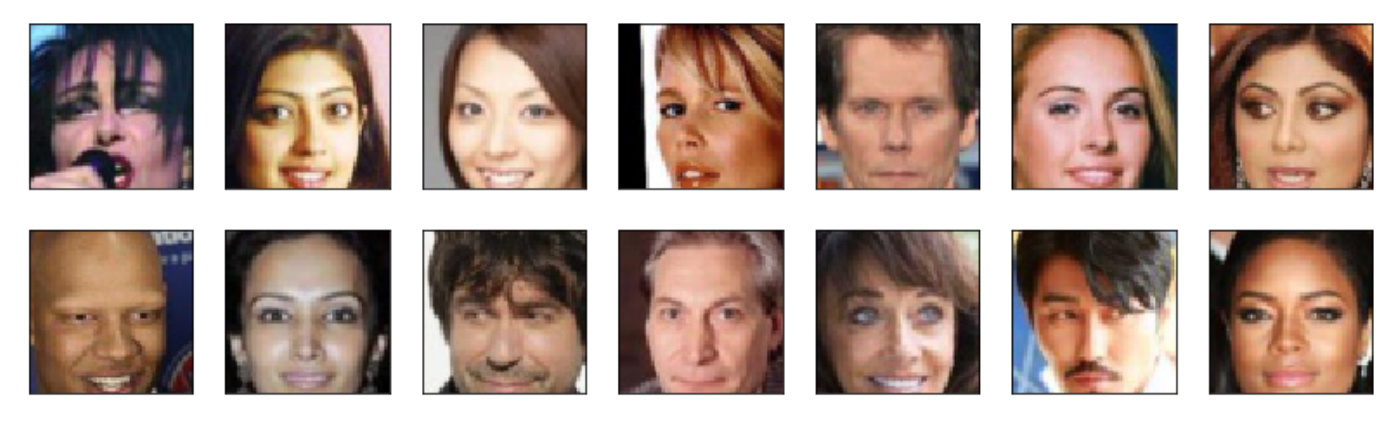
Processed CelebA face data.
Getting the project files
The project files can be found in our public GitHub repo, in the project-face-generation folder.
You can download the files from there, but it's better to clone the repository to your computer. This way you can stay up to date with any changes we make by pulling the changes to your local repository with git pull.
Submission
- Ensure you've passed all the unit tests in the notebook.
- Ensure you pass all points on the rubric.
- When you're done with the project, please save the notebook as an HTML file. You can do this by going to the File menu in the notebook and choosing "Download as" > HTML. ** Ensure you submit both the Jupyter Notebook and its HTML version together. **
- Follow the rest of the file submission instructions after clicking
Submiton the last page of this lesson.